


Have you ever opened your closet, looked at a collection of the same type of t-shirts, and said to yourself, “I spotted this same design on three different people today”? Your buyers are having the same thoughts. In the world of 2026 fashion, generic is the new invisible. Whether it’s a Gen Z shopper looking for a hyper-niche anime aesthetic or a corporate manager needing event merch that doesn’t look like an afterthought, the demand for “uniquely mine” has shifted from a luxury perk to a baseline expectation.
For Print-on-Demand (POD) stores and custom apparel brands, this isn’t just a trend—it’s the whole game. We’ve moved past the era where a “custom” order meant sending a grainy JPEG via email and hoping for the best. Today’s buyers are smart, picky, and—honestly—a little impatient. They want to play designer, using an online t-shirt design tool to tweak fonts and swap graphics in real time until they’re 100% sure what they see on their screen is exactly what will show up at their door.
But here’s the reality for store owners: high demand for customization often leads to high-stress production. If your design tool is clunky, you’re not just losing sales to “cart rage”—you’re risking expensive printing errors and a backend workflow that feels like a manual nightmare. Getting the integration right means moving from “we hope this prints well” to a streamlined, scalable operation where every order is production-ready.
Ready to see how the right tool turns “custom” from a headache into a profit machine? Let’s dive into the non-negotiables.
Key Features to Look for in an Online T-Shirt Design Tool
Choosing a t-shirt designer tool isn’t just about finding the one with the most buttons; it’s about finding the one that removes the most friction. In a high-volume POD environment, the “wrong” tool is a silent profit killer—leading to pixelated prints, frustrated customers, and a support inbox full of “Why does my shirt look like this?”
To keep your business scaling smoothly, here are the non-negotiables your design tool needs to bring to the table.
1. The Design “Engine”: Drag-and-Drop & Libraries
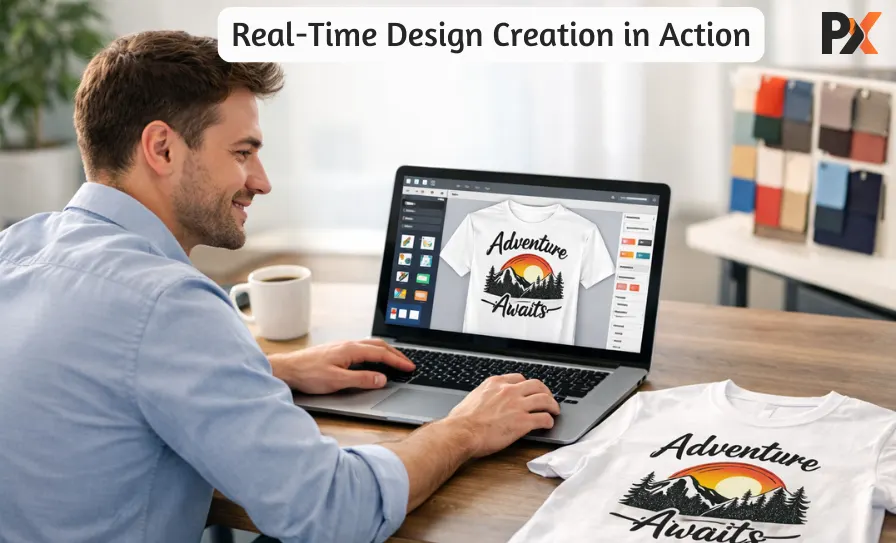
Your average customer is probably not going to put up with a difficult learning process. They prefer to drag an icon, drop it onto a shirt, and change its size with a single click. The adoption of a business-like custom t-shirt design tool, which includes a drag and drop editor along with a vast collection of high-res graphics, can turn “I’m not an artist” into “I just made my new favorite shirt” in less than three minutes.
2. Precision Controls: Text & Layers
Generic text is boring. Your tool needs a robust text editor with font pairings that actually look good, plus layer management. Why layers? Because when a user wants to move their logo behind a cool flame graphic but in front of the background texture, they shouldn’t need a PhD in Photoshop to do it.
3. The “No Surprises” Factor: 2D/3D Previews
Screens are flat; humans are not. A 3D preview is a game-changer for conversion. It lets customers rotate the shirt, see how the design wraps around the side, and understand the scale. When they can see the actual texture of the fabric and the vibrancy of the colors, “buyer’s remorse” disappears before the checkout button is even clicked.
4. Technical Reliability: Print-Ready Outputs
The love is going to surface here for you, the proprietor. The gizmo is to produce print-ready files (PDF, SVG, or AI) as its output automatically. If you are still changing customer JPEGs into vectors manually to avoid blurriness, then you are not scaling—you are merely working harder.
5. Mobile-First UX
Let’s be real: your customers are designing on their phones while waiting for coffee. If your UI isn’t mobile-responsive, with buttons large enough for thumbs and a smooth “pinch-to-zoom” experience, you’re effectively closing your store to 60% of the market.
How T-Shirt Design Tools Support Different Printing Methods?
The coolest design features mean nothing if the output isn’t compatible with your actual printing process. This is where a truly intelligent t-shirt design tool earns its keep—by acting as a silent bridge between customer creativity and flawless production. There are several printing techniques and each has its own requirement for file types. Your device, therefore, has to be a polyglot in the sense of communicating in all their languages.
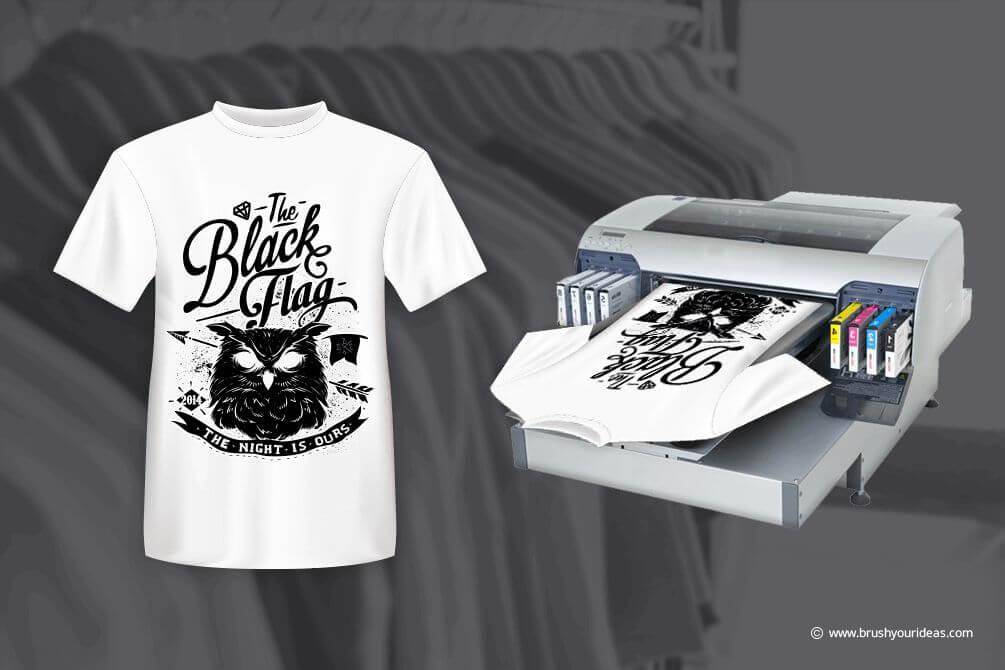
For DTG (Direct-to-Garment) and DTF (Direct-to-Film) printers, high-resolution raster files (e.g. PNGs with transparent backgrounds) are of absolute necessity. The system has to check the images if they have the required DPI and also fix the transparency issue so that those ugly white boxes around the design won’t show up.
For screen printing, vector files (SVG, AI) are an absolute must and one of the practices is color separation where each color in the reproduction is placed on its own separate layer. High-end software can take care of these separations automatically or at least, it will identify the incompatible designs thus saving hours of manual work and preventing costly misprints.
When it comes to Heat Transfer and Sublimation, the tool must produce sharp, accurately sized images and take into consideration “bleed” areas where the design extends a bit beyond the cut line to avoid white edges. It should also take care of color profiles, ensuring that what the customer sees on the screen is very close to the final print.
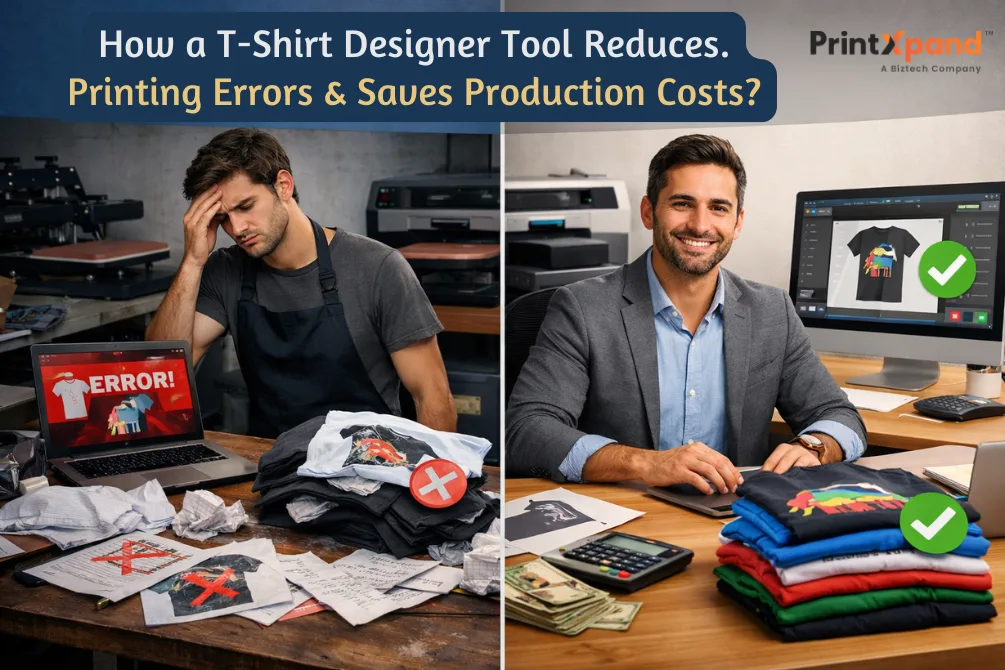
Ultimately, a powerful custom t-shirt design tool lessens printing errors by taking care of these technical requirements through automation. It functions as a digital pre-flight check that catches such concerns as low-resolution images or wrong color modes before they ever come to the printer. This means fewer reprints, less material waste, and a dramatically more efficient workflow, translating directly into better margins and happier customers.
Why User Experience Matters for Higher Conversions?
In custom apparel, user experience (UX) is the one that separates a “Designer” from a “bouncer.” If the interface is like a math exam, users will not finish their masterpiece; they will just bounce to a competitor. A really intuitive interface is the one that acknowledges the user’s time. It takes away the anxiety of “Where do I click?”, and lets the users get into the creative flow.
Speed is your silent salesperson. A design tool that loads fast keeps the momentum high, and every second of lag is a second of customer reconsideration of their purchase. This is so true for mobile-first customization. If a person cannot easily modify his/her design while riding the subway, because the buttons are too small or the site is slow, that’s a lost sale.
Lastly, don’t overlook the undo/redo button’s power. It allows users to work without fear of ruining their work and gives them “permission to play.” When this freedom is combined with a smooth add-to-cart process—where previews accompany them to checkout—you build the trust to press “Buy.”
How Online T-Shirt Design Tools Help Scale Print-on-Demand Businesses?
If you’re running a POD business, you know the “Scaling Wall.” It’s that moment where you have plenty of orders, but you’re drowning in manual work—tweaking low-res files, chasing customers for better assets, and manually proofing every single sleeve print. This is exactly where an online t-shirt design tool stops being a “nice feature” and starts being your operational backbone.
The most immediate win? The death of manual file prep. The tool eliminates the involvement of another party, by producing printable files (PDF, SVG, AI) automatically at the checkout moment. You are no longer paying for a designer to rectify “kerning” or to change RGB to CMYK; the software is doing the technical heavy lifting behind the scenes.
For a growing POD brand, this means:
- Faster order processing: Orders go from “Checkout” to “Printer” in minutes, not days.
- Zero-Error zone: Since the customer proofs their own design in a 3D environment, the “That’s not what I ordered” emails virtually disappear.
- Designers on Demand (Without the Payroll): Your customers do the creative labor for free. You only need a designer for high-level branding, not for every $25 t-shirt.
- Seamless Bulk Handling: Whether it’s one shirt for a birthday or five hundred for a corporate retreat, the automated workflow treats them with the same level of precision.
Scaling isn’t about working more hours; it’s about building an infrastructure that doesn’t break when you double your order volume. When the technology handles the “pixel-pushing,” you’re free to focus on what actually grows the business: marketing, trends, and customer relationships.
Integration Capabilities: Shopify, WooCommerce, Magento & More
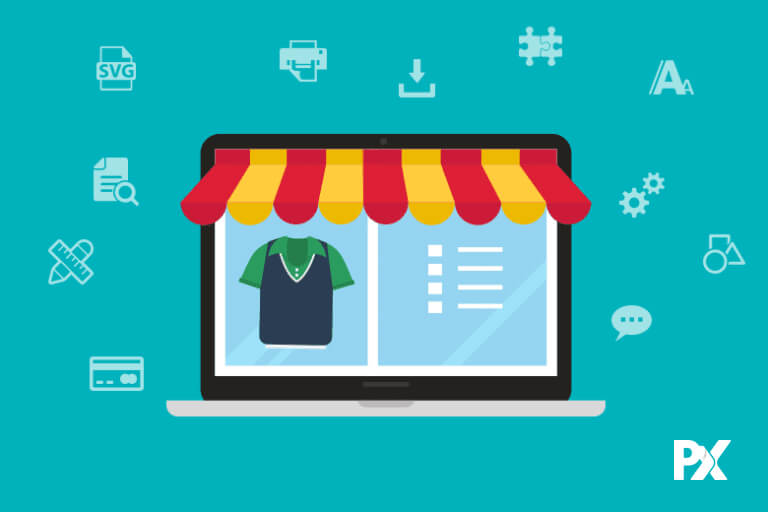
In the e-commerce arena, speed’s worst foe is silos. If your design tool does not “speak” to your store, you are caught in a data entry loop that manually kills your momentum. The high-performance integrations with Shopify, WooCommerce, and Magento are not just technical advantages but also the backbone of a centralized, flawless operation.
The magic happens in the background when your systems are correctly synchronized. Automatic product catalog synchronization ensures that when you create a new heavy-blend hoodie in your management, it instantly appears in your design tool with the correct printing areas. Automatic order management ensures that when a customer clicks “buy,” the design data, shipping information, and print-ready files are instantly routed to the right places without any action on your part.
Integration might be the most crucial factor allowing dynamic pricing. For instance, if a customer requests an extra print on the sleeve or a premium metallic ink, the price varies in real time. You guard your margins, and the customer sees everything. There are no “surprise” bills, no manual quotes—just a professional, smooth passage from a blank canvas to a shipped package.
Closing Lines
Wrestling with a pixelated JPEG that looks like it was photographed with a toaster is a hobby that belongs in a museum, not a production facility. The days of playing digital archaeologist to uncover a hidden logo are over if the goal is actually to stay in the black.
Implementing an online t-shirt design tool acts as a much-needed bodyguard for the printing presses, ensuring that every file arriving at the warehouse is already house-trained and ready for action. It is the difference between a streamlined operation and a frantic circus where staff spend more time fixing customer mistakes than shipping products.
A robust custom t-shirt design tool handles the technical heavy lifting so that the only thing hitting the fabric is perfection, not a blurry mess that leads to a refund request. Automation means the end of the “guess and check” method of manufacturing, allowing the team to focus on growing the empire rather than chasing down font names at three in the morning.
Let the software deal with the design crimes while the business reaps the rewards of a workflow that finally stops bleeding cash on avoidable reprints.